B2B Ecommerce ERP Integration: The Shopify Setup Guide

A B2B ecommerce ERP integration connects your Shopify store to your back-office system so orders, customers, companies, inventory, products and fulfillment status stay in sync without anyone re-keying them. On Shopify it is the same build as a retail integration plus four wholesale objects: company accounts, price lists by customer group, payment terms and credit limits. There are four ways to build it: a native connector app (roughly $100 to $1,000 a month, live in one to four weeks), an iPaaS platform such as Celigo or Patchworks ($1,000 to $5,000 a month, four to twelve weeks), a custom API build (five figures, three to six months), or scheduled CSV exports, which is a rota rather than an integration. Most Shopify brands under about $20M in revenue should start with a connector app. If you sell wholesale, run that channel inside the same Shopify store so your existing connector picks up B2B orders without a second integration.
Key takeaways
- A B2B ecommerce ERP integration syncs six standard objects plus four wholesale ones: company accounts, price lists by customer group, payment terms and credit limits.
- The ERP should be the system of record for inventory, products, pricing and terms. The store owns the order and the payment.
- Four routes exist: connector app, iPaaS, custom API build, or scheduled CSV. Connector apps suit most brands under about $20M in revenue.
- Budget roughly $100 to $1,000 a month for a connector, $1,000 to $5,000 for iPaaS, and five figures plus maintenance for a custom build.
- SKU mismatch is the number one cause of delayed launches. Reconcile product codes between both systems before anyone configures anything.
- Running wholesale inside your Shopify store means B2B orders need no second ERP integration.
A B2B ecommerce ERP integration is the same six-object data sync a retail store needs, plus the four objects that only exist once you sell wholesale. Here is what syncs, what breaks, the four ways to connect Shopify to an ERP, and what each route really costs.
In this article
- What is a Shopify ERP integration?
- What does a B2B ecommerce ERP integration sync?
- Which ERP systems integrate with Shopify?
- How do you connect Shopify to an ERP?
- How do you integrate wholesale orders, not just retail?
- What does it cost and how long does it take?
- What breaks most often in an ecommerce ERP integration?
- FAQ
What is a Shopify ERP integration?
A Shopify ERP integration is a data connection that keeps your storefront and your back office describing the same reality. Shopify owns the buying experience. The ERP owns the ledger: stock on hand, purchase orders, invoices, costs, fulfillment, and the financial close. Without a connection between them, someone re-types orders into the ERP every morning and someone else updates stock levels in Shopify every afternoon.
In practice the integration moves a short, predictable list of objects in two directions.
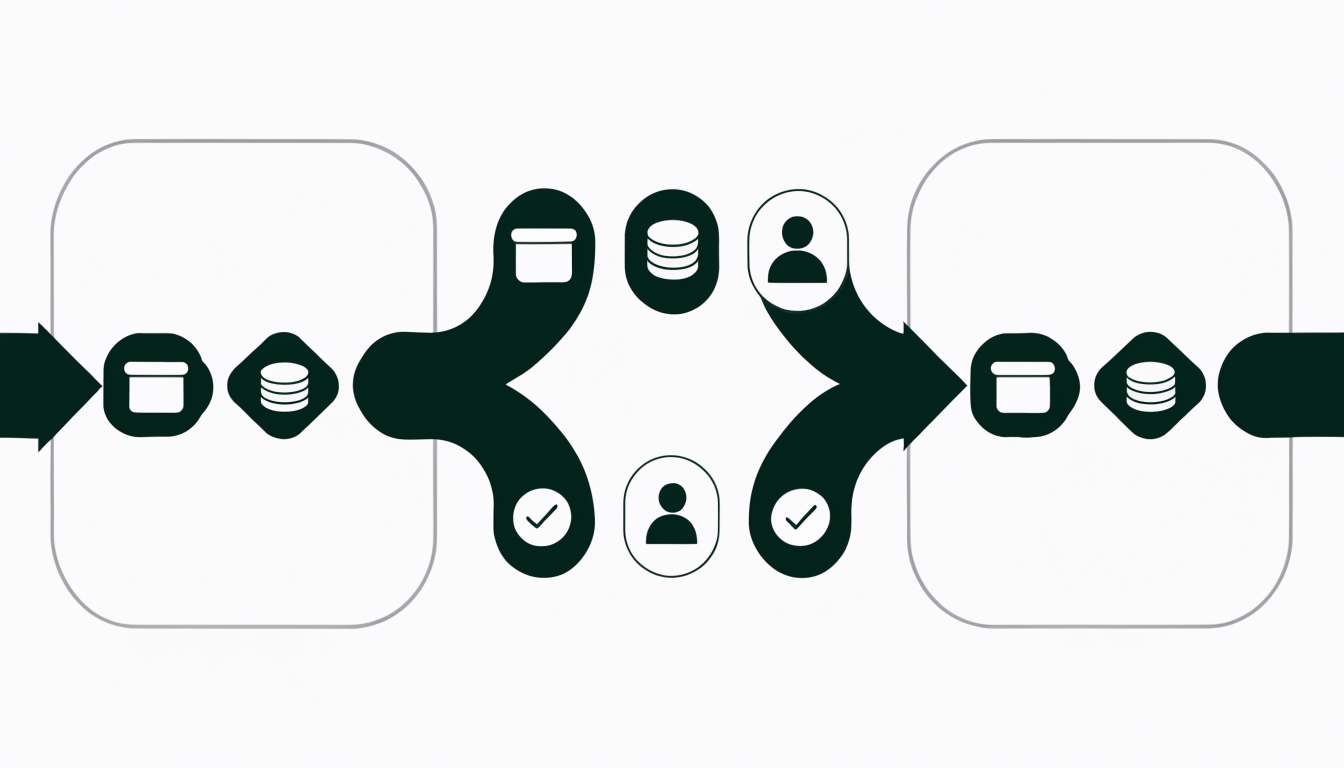
Shopify to ERP: orders (including line items, discounts and taxes), customers and companies, payments and payout data for reconciliation.
ERP to Shopify: inventory levels by location, product and SKU data, price lists, and fulfillment status with tracking numbers.
That is the whole job. Everything else, the cost and the arguments, comes from the fact that the two systems rarely describe those six objects the same way. As integration vendor Celigo puts it, product structures, SKUs, pricing, customers, taxes and inventory representations "can vary significantly between a Shopify store and an ERP system." A Shopify variant is not a NetSuite item record. A Shopify customer is not a Business Central bill-to account.
What does a B2B ecommerce ERP integration sync?
A B2B ecommerce ERP integration moves the same six objects a retail integration moves, and then four more that only exist once you sell wholesale: company accounts, price lists by customer group, payment terms, and credit limits. Those four are where B2B projects stall, because most connectors were built for one consumer buying one item at one published price.
The short version of the table below: the ERP is the system of record for almost everything except the order itself and the money that arrived with it. Get that ownership decision wrong on any single row and you get silent data drift rather than a loud error.
Read the wholesale rows first, because they are the ones a retail-shaped integration will not have planned for. Company accounts have to survive the trip in both directions: a buyer placing an order is a person, but the entity that owes you money is a company, and if the connector only maps the person you end up with a separate ERP customer for every buyer at the same account. Price lists by customer group must flow from the ERP to the store and never the other way, because the moment both systems believe they own price, an order placed at your negotiated tier gets rewritten at list price somewhere between checkout and the invoice. Payment terms and credit limits are the classic wholesale bug: a net 30 order that arrives in the ERP flagged as paid quietly corrupts accounts receivable, and nobody notices until a collections report looks wrong. MOQs and pack sizing break in the least dramatic way, with a case of twelve arriving as twelve loose units, which is only visible in the warehouse.
The retail rows are better understood but no less fatal. Inventory should have exactly one writer, normally the ERP, and the store should be read-only for stock. Products and SKUs are the number one cause of a slipped go-live, because the reconciliation work is invisible until someone actually compares the two lists. As BigCommerce puts it, a working setup is "a two-way exchange between the ERP and ecommerce software", and each direction has to be decided deliberately rather than inherited from a connector's defaults.

Why integrate ecommerce and ERP at all?
Because the alternative has a running cost that never shows up on an invoice. Without a connection, someone re-keys orders into the ERP every morning, someone else corrects stock levels in the store every afternoon, and the gap between those two jobs is where oversells, wrong prices and missed reorders live. An ERP integration does not make you money directly. It removes a class of error that gets more expensive with every order you add, which is why the case for it strengthens as you grow rather than weakening.
How do ERP integration platforms handle data mapping?
Every route to an ERP has to solve the same problem: your store and your ERP describe the same object with different fields, different codes and different rules. A connector app solves it with a fixed mapping the vendor decided in advance, which is fast when your data already fits and immovable when it does not. An iPaaS platform exposes the mapping as a configuration screen, with field-level transforms, lookup tables for SKU and customer codes, and a queue that holds records which fail validation instead of dropping them. A custom build gives you total control of the mapping and hands you the retry logic and the error queue as homework. Whichever you pick, insist on seeing the failure queue before you sign, because a mapping that silently discards records is worse than no integration at all.
The mapping work also depends on how many upstream systems you have. If you sell to businesses through a separate portal and to consumers through your store, you are mapping twice. Our guide to B2B ecommerce for distributors covers how the channel structure decision drives everything downstream, including this one.
Which ERP systems integrate with Shopify?
Every serious mid-market ERP connects to Shopify one way or another. The ones Shopify brands land on most often are:
- Oracle NetSuite. The default for multi-entity, multi-currency brands. The deepest connector ecosystem of any ERP on this list, and the most expensive place to make a mistake.
- Microsoft Dynamics 365 Business Central. The mid-market pick, especially for brands already inside Microsoft 365. Strong manufacturing and light assembly support.
- SAP Business One. Common in distribution and manufacturing with real production planning needs.
- Acumatica. Consumption-based licensing, which suits brands with many light users such as sales reps.
- Odoo. Open source and modular, so it is cheap to start and easy to over-customize.
- QuickBooks or Xero. Not ERPs. If your only real pain is bookkeeping, an accounting sync is a fraction of the cost and effort, and you should exhaust it first.
None of these publish a first-party Shopify connector that covers everything out of the box. Every one of them is reached through a connector app, an iPaaS platform, or a custom build. That is normal, and it is worth knowing before a vendor implies otherwise.
How do you connect Shopify to an ERP?
There are four routes, and the honest verdict is that most Shopify brands under roughly $20M should use a native connector app, most brands above it should use iPaaS, and almost nobody should commission a custom build as their first integration. Shopify's own guidance names the same four methods: native connectors, direct APIs, middleware or iPaaS, and custom integrations.
Reading that table row by row: a native connector app is a packaged integration built for one specific ERP, so it installs in days and the vendor maintains it, but it syncs Shopify and nothing else and its field mapping stops where the vendor decided it should stop. iPaaS platforms such as Celigo, Patchworks or Alumio sit between the systems and treat mapping as a configuration screen rather than a code change, which is why they are the right answer once you have more than one sales channel or an ERP that has been customized. A custom API build gives you everything and owes you nothing: you own the mapping, the retry logic, the error queue, and the pager when Shopify ships an API version change. Point-to-point custom integrations, as Celigo notes, "rarely scale" once you add channels or regions.
The fourth route, scheduled CSV export and import, is not in the table because it is not an integration. It is a rota. It is still the right call for a brand doing 30 orders a week, and it is the wrong call the moment stock accuracy starts costing you money.
How do you integrate wholesale orders, not just retail?
This is where most B2B ecommerce ERP integration projects go sideways, and it is rarely the ERP's fault. It is an architecture problem that gets decided months earlier, when the brand chooses how to run wholesale.
If your wholesale channel lives outside Shopify, on a separate portal, a separate store, or a shared inbox full of purchase orders, then it is a second source of orders. Your ERP integration now has two upstream systems to reconcile, two customer records per buyer, and two places inventory can be committed. Teams discover this at go-live, not at planning.
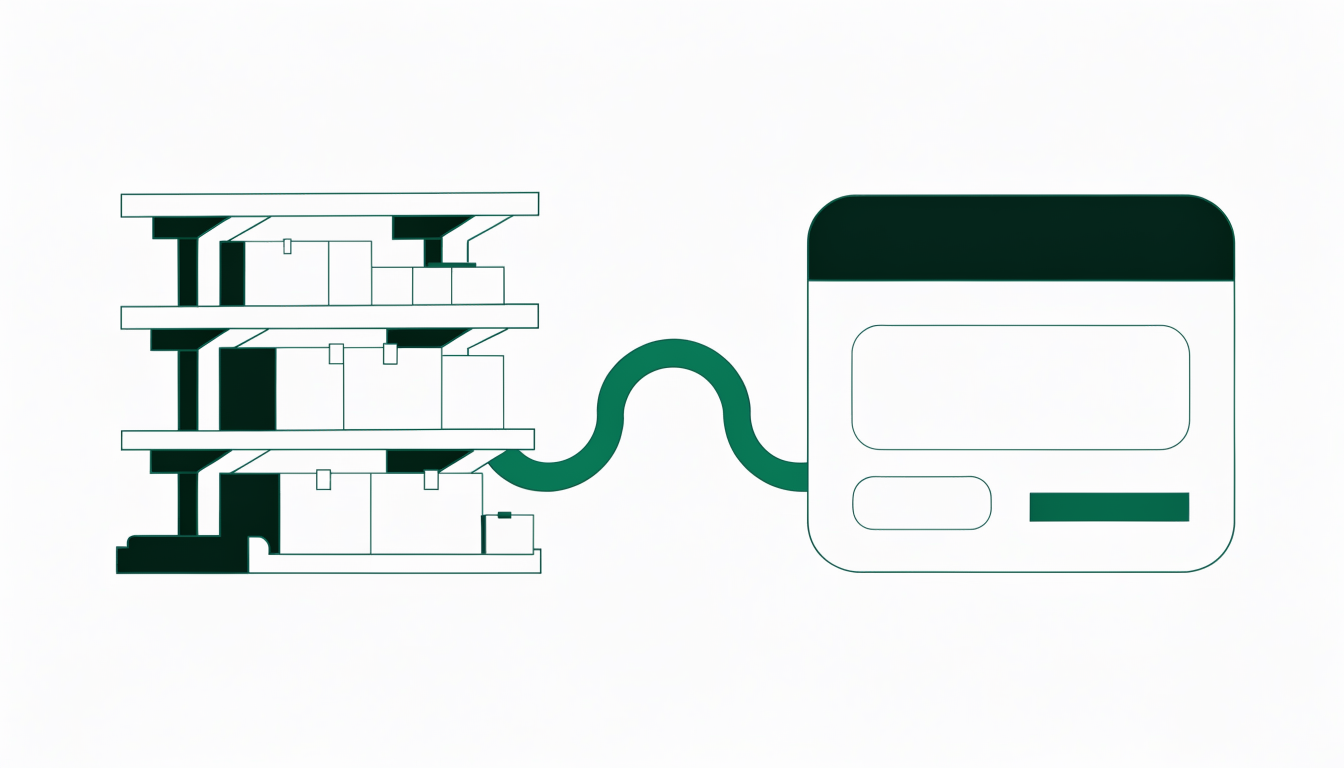
If your wholesale channel writes into the same Shopify store your retail channel uses, there is nothing extra to integrate. A wholesale order is a Shopify order with different pricing, different quantities and different payment terms attached. The connector you already have picks it up.
That is the case for running B2B inside Shopify rather than beside it. PortalSphere layers wholesale onto your existing Shopify store instead of standing up a separate storefront, so tiered pricing, MOQs and pack sizes, gated catalogs, net terms and tax exemption all resolve into standard Shopify orders and customers. PortalSphere does not ship its own ERP connector, and it does not need one. Whatever moves your Shopify orders into NetSuite or Business Central today will move your wholesale orders too, using the same records and the same mapping.
Two things to confirm with your connector before you rely on that, whichever wholesale app you use. First, that it carries the payment terms through, so a net 30 order lands in the ERP as an open invoice rather than a paid one. Second, that it maps your wholesale customer groups onto the right ERP price list, so the ERP does not silently re-price the line items.
What does a Shopify ERP integration cost and how long does it take?
Costs cluster into three bands, and the honest answer is that scope drives the number far more than the ERP brand does.
- Connector app: roughly $100 to $1,000 per month, live in one to four weeks. Suits a single Shopify store on a near-stock ERP.
- iPaaS: roughly $1,000 to $5,000 per month plus a one-off implementation, live in four to twelve weeks. Suits multiple channels or a customized ERP.
- Custom build: a five-figure project minimum, three to six months, plus permanent maintenance. Justified only by a requirement the first two genuinely cannot meet.
Treat any quote that skips a data-cleanup phase as incomplete. The most common overrun is not the connector, it is the six weeks spent discovering that 400 SKUs exist in Shopify with a different code than they carry in the ERP. Gartner's projection that more than 70% of recent ERP initiatives will fail to meet their original goals by 2027 is mostly a story about data readiness, not software.
What breaks most often in an ecommerce ERP integration?
Five failures account for the overwhelming majority of delayed launches, and four of the five are data problems rather than software problems.
- SKU mismatch. The one failure that guarantees a delayed launch. Reconcile every SKU in a spreadsheet before anyone configures anything.
- Inventory written in both directions. Pick one system as the master for stock, usually the ERP, and make the other read-only. Two writers means overselling.
- Tax and discount lines. Shopify's order totals and your ERP's revenue recognition rules disagree by a few cents on rounding, and finance will find it during close.
- Payment terms flattening. Net terms orders arriving as paid orders is the classic wholesale bug, and it corrupts your accounts receivable quietly.
- No error queue. A sync that fails silently is worse than no sync. Insist on a visible failure log with alerting from day one.
If you are still choosing where your wholesale channel will live, settle that first. Our guide to choosing a wholesale ecommerce platform covers the trade-offs, and the choice determines how many systems your ERP has to talk to for the next five years.
Frequently asked questions
Is Shopify an ERP?
No. Shopify is a commerce platform: it handles storefronts, checkout, orders and payments. An ERP is the system of record for finance, inventory, procurement and fulfillment across the whole business. Shopify covers some ERP-adjacent ground with multi-location inventory and basic reporting, which is why brands under roughly $5M in revenue often need no ERP at all. Above that, most brands run both and connect them.
What ERP systems can integrate with Shopify?
Oracle NetSuite, Microsoft Dynamics 365 Business Central, SAP Business One, Acumatica, Odoo, Infor, Epicor and Sage all integrate with Shopify, along with accounting tools such as QuickBooks and Xero. None of them offer a complete first-party Shopify connector, so each is reached through a connector app, an iPaaS platform, or a custom API build.
How long does a Shopify ERP integration take?
One to four weeks for a connector app on a near-stock ERP, four to twelve weeks for an iPaaS implementation, and three to six months for a custom build. Add two to six weeks on top of any of those for data cleanup if your SKUs, customer records or price lists are not already reconciled between the two systems.
Do I need a separate ERP integration for wholesale orders?
Only if your wholesale channel lives outside Shopify. If wholesale runs inside your Shopify store, wholesale orders are ordinary Shopify orders carrying different pricing and payment terms, so your existing connector handles them with no second integration. If wholesale runs on a separate portal or store, you are integrating two upstream systems and reconciling duplicate customer records.
How much does a Shopify ERP integration cost?
Connector apps run roughly $100 to $1,000 per month. iPaaS platforms run roughly $1,000 to $5,000 per month plus a one-off implementation fee. Custom builds start in the five figures and carry ongoing maintenance. Scope and data quality drive the final number more than the choice of ERP does.
What is B2B ecommerce ERP integration?
B2B ecommerce ERP integration is the data connection between a wholesale ecommerce store and the ERP that runs the back office. It syncs the six objects any store needs, orders, customers, inventory, products, fulfillment and payments, plus four that only wholesale has: company accounts, price lists by customer group, payment terms and credit limits. Those four wholesale objects are what separates a B2B integration from a retail one, and they are where most projects overrun.
Why should you integrate ecommerce and ERP?
To remove manual re-keying and the errors that come with it. Without an integration, orders are typed into the ERP by hand and stock levels are corrected in the store by hand, which produces oversells, wrong prices and stale fulfillment status. The cost of that gap scales with order volume, so the case for integrating gets stronger as you grow. It also gives finance one set of numbers to close against instead of two.
Which system should own inventory and pricing?
The ERP should own both, and the store should read them. Inventory needs exactly one writer or the two systems will disagree and you will oversell. Pricing needs one writer for the same reason, and in wholesale it matters more, because a negotiated customer-group price rewritten at list price turns into an invoice dispute. Orders and payment records are the exception: the store captures those first, so it owns them at the point of capture.
Wholesale your ERP already understands
PortalSphere runs B2B inside your existing Shopify store, so wholesale orders flow through the connector you already have. 14-day free trial, no credit card, free onboarding included.