B2B Buyer Portal: 7 Features Wholesale Buyers Expect

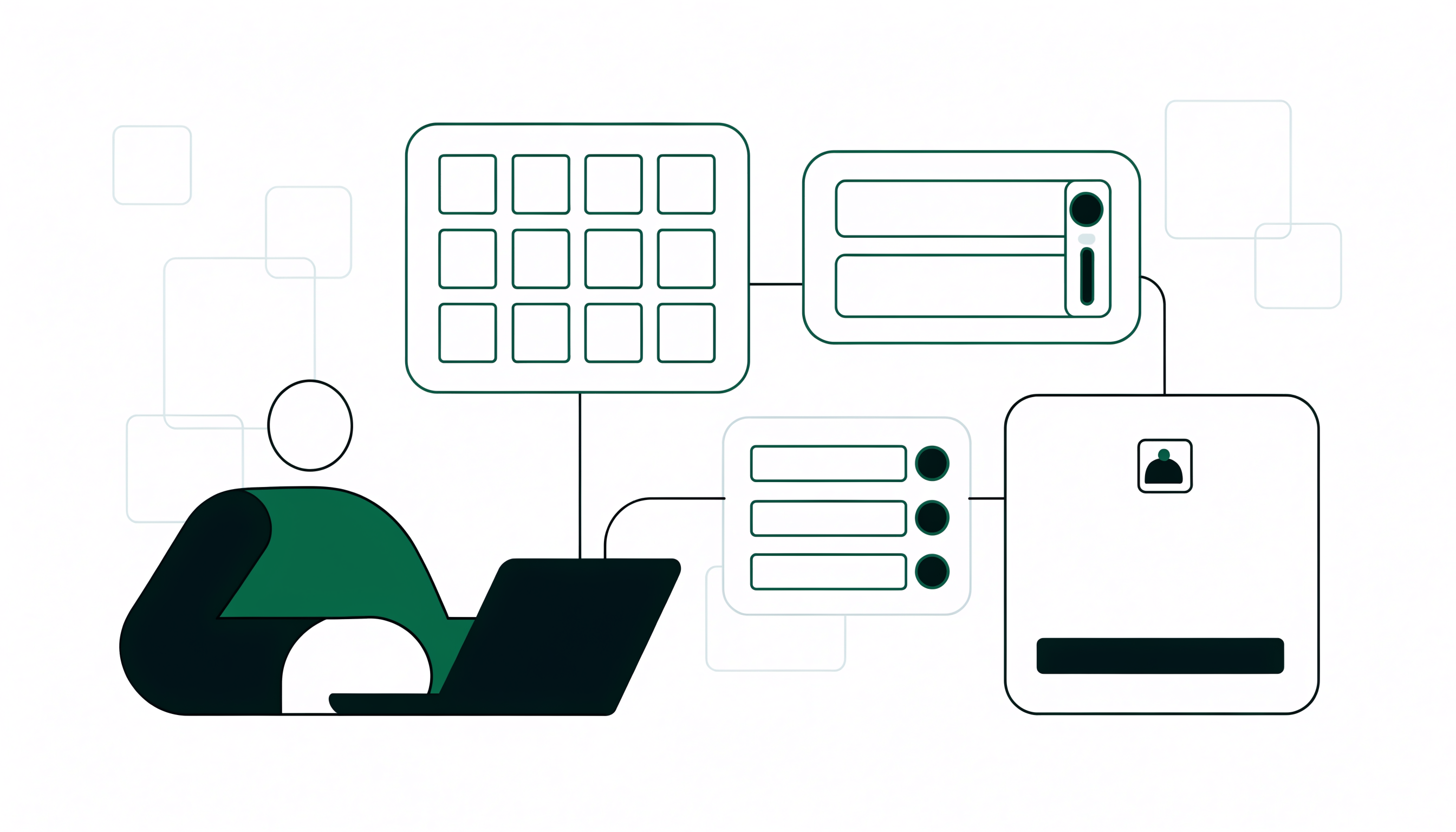
A B2B buyer portal is the logged-in area of your store where approved wholesale buyers see their own contracted pricing, browse only the products they are allowed to order, place large orders themselves, and check past orders without emailing a sales rep. It is the same surface a vendor might call a B2B customer portal, named from the buyer's side. Buyers expect seven things from one: customer-specific and tiered pricing visible at login, a gated catalog, a bulk order form fast enough for a 40-line reorder, minimum order quantities and pack sizes enforced before checkout, net 15, 30, or 60 terms with automatic tax exemption, order history with tracking and invoices, and a portal that works on a phone. On Shopify you can deliver all seven with a wholesale app on any plan, with no Shopify Plus upgrade required.
Key takeaways
- A B2B buyer portal and a B2B customer portal describe the same logged-in ordering surface. Naming it from the buyer's side keeps the test on whether buyers actually use it.
- Gartner's 2026 survey of 646 B2B buyers found 67% prefer a rep-free buying experience, so a manual email process reads as friction rather than service.
- The seven features buyers expect: their own pricing at login, a gated catalog, fast bulk reordering, MOQs and pack sizes enforced before checkout, net terms with tax exemption, order history and invoices, and mobile support.
- You do not need Shopify Plus or a second store. A wholesale app delivers all seven on any Shopify plan in one to two weeks.
- Measure adoption, not features: the share of wholesale orders buyers place themselves is the only honest score.
Most advice about wholesale portals is written for the brand: the settings, the price lists, the approval queue. This guide looks at the same portal from the seat of the person placing the order.
What is a B2B buyer portal?
A B2B buyer portal is the logged-in area of your store that a wholesale customer uses to do their own buying: see their negotiated pricing, browse only the products they are allowed to buy, build a large order quickly, and check what they ordered last time. The phrase "B2B customer portal" describes the same surface. "Buyer portal" simply names it from the buyer's side of the relationship, which is the side that decides whether it gets used.
That distinction matters. A wholesale account your buyer never logs into is not a portal, it is a form you filled in. A B2B buyer portal earns its keep when a purchasing manager opens it on a Tuesday morning, places a 40-line reorder in four minutes, and never emails your rep at all.
Why do wholesale buyers expect one now?
Because they buy everything else that way, and the bar other suppliers' portals set is the bar you are measured against. Gartner's 2026 sales survey of 646 B2B buyers found that 67% of B2B buyers prefer a rep-free buying experience, and 45% used AI at some point during a recent purchase. Buyers are not asking for more attention from your team. They are asking to be left alone with accurate prices and a working cart.
The awkward part for a growing Shopify brand: the manual process feels like service. Answering the email, keying in the draft order, sending the invoice, it all looks helpful. From the buyer's side every step is a delay between deciding to reorder and being able to.
7 features B2B buyers expect from a buyer portal
Ranked by how quickly their absence makes a buyer email you instead.
1. Their own prices, the moment they log in
Not a discount code, not a PDF, not "we will confirm pricing on the invoice." A buyer wants the price they pay shown next to each product, without arithmetic. Tiered pricing per customer group is the baseline, so a first-year stockist and a national account browse the same catalog and each see their own number.
2. A catalog that shows only what they can buy
Wholesale ranges rarely match retail ranges: some products are retail only, some regional, some being cleared. A buyer portal should hide the rest rather than let a buyer build a cart and get corrected later. Retail visitors, equally, should never see wholesale pricing, which is why hiding prices until customers log in is table stakes.
3. Reordering that takes a minute, not an afternoon
The most common complaint about brand-run portals is that they were built for retail shoppers. Clicking into 40 product pages to add 40 items is a retail pattern. Wholesale needs a flat bulk order form with quantities in a grid, plus one-click reordering of a past order.
4. MOQs and pack sizes enforced before checkout
Buyers do not resent minimums. They resent finding out about them after building the order. If a case is 12 units and your minimum is $500, enforce both while the buyer is still shopping and show how far they are from the threshold. Setting minimum order quantities properly removes a whole category of email.
5. Net terms and tax exemption handled at checkout
An approved account that still has to enter a credit card is a broken promise. Buyers on net 15, 30, or 60 expect to check out and be invoiced, and resale accounts expect tax to come off automatically rather than be refunded later. Offering net 30 terms at checkout often decides whether a larger retailer buys from you at all.
6. Order history, tracking, and paperwork in one place
A buyer chasing a delivery should not have to ask you. Past orders, status, tracking, and invoices in the account area answer the questions your inbox answers today, and double as the reorder source next cycle.
7. A portal that works on a phone
Plenty of wholesale reorders get placed standing in a stockroom next to an empty shelf. If your order form only works on desktop, that reorder becomes a note, then an email, then nothing.
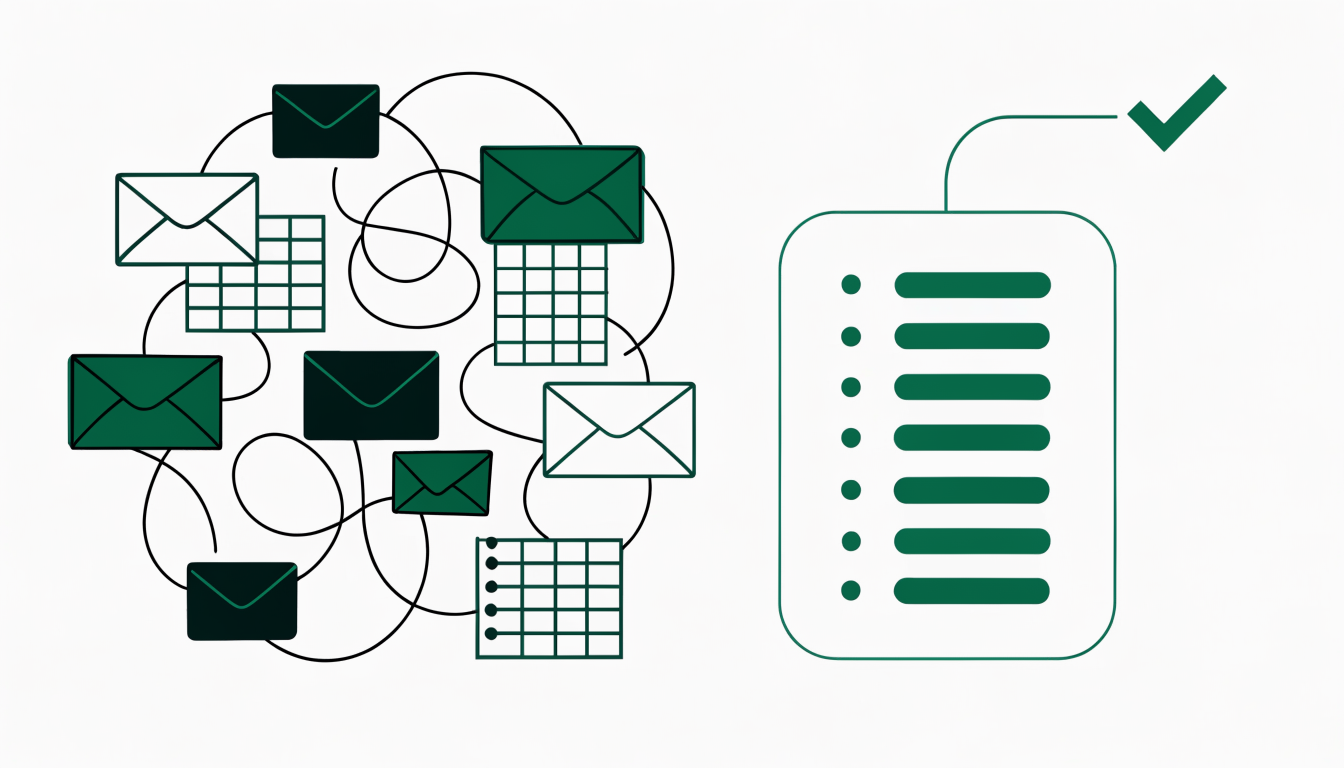
Buyer portal vs ordering by email: what changes
A self-service buyer portal wins on every criterion a repeat wholesale buyer cares about, and the gap is widest on the three things that generate the most email: per-customer pricing, order minimums, and payment terms.
Reading the rows that matter most: a B2B buyer portal shows customer-specific and tiered wholesale pricing natively, so a stockist logs in and sees their own contracted price without a rep quoting it, whereas email and PDF line sheets need someone on your team to look the price up and retype it every time. Minimum order quantities and pack sizing are enforced while the buyer is still building the order, where the email process only catches a short order after it arrives, which means a correction email and a delayed shipment. Net 15, 30, or 60 terms complete inside portal checkout and tax exemption applies automatically for resale accounts, while the manual route pushes both into an invoice you raise later. A standard Shopify storefront does let a buyer serve themselves, but it prices, taxes, and packages them like a retail shopper.
What does a B2B buyer portal look like in practice?
The same portal serves three quite different buying rhythms, and it helps to know which one your accounts have.
The high-frequency reorder. A food and beverage brand selling to cafes gets the same 15 SKUs every two or three weeks. All the value sits in reorder speed and enforced case quantities: last order, adjust two lines, submit.
The seasonal buy. An apparel brand's stockists place two large orders a year against a range that changes each season. They need a browsable gated catalog, size-run packs, and clear delivery windows more than one-click reordering.
The negotiated account. A home goods brand's largest retailer buys on negotiated pricing, net 60, and a PO number on every order. What matters is that the portal respects their specific terms, because this is the account that will otherwise insist on email forever.
One portal covers all three when pricing, minimums, and terms are set per customer group rather than globally. Still deciding whether you need one? Our guide to launching a B2B sales portal covers the business case and build versus buy.
How do you give your buyers a portal on Shopify?
You do not need Shopify Plus and you do not need a second store. On any Shopify plan, a wholesale app adds a registration and approval flow, gated pricing, MOQs and pack sizing, and net terms on top of the store you already run. The buyer-facing result is a normal login on your existing domain, not a separate system your accounts have to be talked into.
The step-by-step mechanics of gating access, approving accounts, and hiding pricing are covered in our guide to setting up a gated B2B portal on Shopify in 5 steps. Work through that once your feature list is settled, and treat the seven items above as the acceptance criteria you test before inviting a real buyer in. One thing almost nobody does: place a full order in your own portal, as a buyer, on a phone, before launch. Most portal problems surface within 90 seconds.
How do you know your buyer portal is working?
Feature checklists tell you what you built. These four numbers tell you whether buyers adopted it.
- Share of wholesale orders placed by the buyer, not your team. The one honest measure. If most orders still arrive as drafts your staff keyed in, the portal is decoration.
- Time from approval to first self-service order. A long gap usually means the buyer could not find their pricing, or the catalog looked wrong.
- Reorder interval. Portals tend to pull reorders forward, because the buyer no longer waits for a convenient moment to write an email.
- Correction rate. Orders that need fixing after submission point straight at a rule the portal is not enforcing, usually a minimum or a pack size.
Review these six to eight weeks after launch. Adoption problems are almost always a few specific frictions, and these numbers point at which one.
Frequently asked questions
What is the difference between a B2B buyer portal and a B2B customer portal?
They describe the same thing from different sides. A B2B customer portal is the vendor's name for the logged-in account area they provide; a B2B buyer portal is that same area named by the person using it. Both should include gated access, customer-specific pricing, self-service ordering, order history, and payment terms. The difference is emphasis: calling it a buyer portal keeps the test on whether buyers use it.
Do you need Shopify Plus to give wholesale buyers a portal?
No. Shopify's native B2B features require Shopify Plus, but a dedicated wholesale app such as PortalSphere delivers a gated buyer portal with tiered pricing, MOQs, pack sizing, and net terms on any Shopify plan, including Basic. Most brands launching wholesale start with an app and only revisit the plan question if volume demands it.
Can a B2B buyer portal enforce minimum order quantities and pack sizes?
Yes, and it should enforce them while the buyer is building the order rather than after submission. PortalSphere supports minimum order quantities by value or units, per-product minimums, and pack or case sizing so quantities can only be added in multiples of the case. That removes most of the correction emails a manual process generates.
Can wholesale buyers pay on net 30 terms inside the portal?
Yes. Approved accounts can check out on net 15, 30, or 60 terms and be invoiced instead of paying by card, and resale accounts can have sales tax removed automatically. That combination is usually what a larger retailer means when they ask whether you can support their buying process.
How long does it take to launch a B2B buyer portal on Shopify?
One to two weeks with an app on an existing store: a few days to configure customer groups, pricing tiers, minimums, and terms, then a week testing the buyer journey. What takes longest is deciding your pricing tiers, not the setup.
Give your wholesale buyers a portal they will actually use
PortalSphere adds gated access, tiered pricing, MOQs, pack sizing and net terms to any Shopify plan. 14-day free trial, no credit card, and free onboarding on a draft version of your store.