How to Set Up a Gated B2B Portal on Shopify in 5 Steps


Setting up a gated B2B portal on Shopify means creating a login-protected area where only approved wholesale buyers see their negotiated pricing, minimum order quantities, and payment terms. You do not need Shopify Plus to build one. A dedicated app like PortalSphere adds a wholesale registration form, an approval queue, hidden tiered pricing, MOQs and pack sizing, and net terms (net 15, 30, or 60) on top of any Shopify plan. The five steps: create a separate wholesale account type, build a registration and approval workflow, hide wholesale pricing behind login, add MOQs and net terms, then test the full buyer journey yourself before inviting real wholesale customers in.
Key takeaways
- A gated B2B portal hides wholesale pricing and products from retail shoppers and shows them only to approved accounts.
- Shopify's native B2B tools require Shopify Plus; a dedicated app can add the same gating on any plan.
- Use a real registration and approval workflow, not a discount code, to control who sees wholesale prices.
- Enforce MOQs, pack sizing, and net terms so wholesale orders protect your margin and cash flow.
- Test the full buyer journey as a wholesale account before launching the portal to real customers.
What is a gated B2B portal on Shopify?
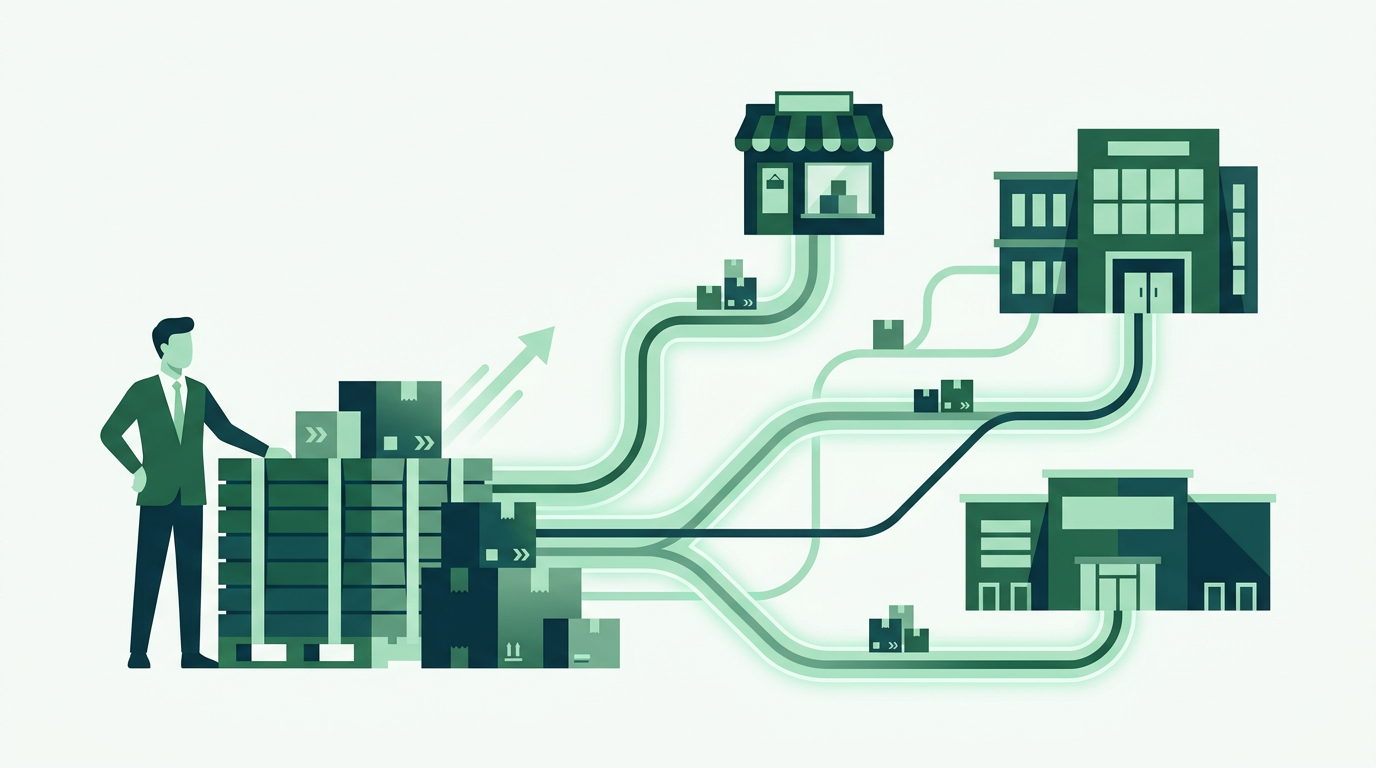
A gated B2B portal is a section of your Shopify store that only approved wholesale buyers can see. Retail shoppers browse your regular storefront at regular prices. Wholesale accounts log in and see a separate catalog: their negotiated tiered pricing, minimum order quantities, pack sizing, and payment terms like net 30.
The point is control. You decide who gets wholesale pricing, what they see, and how they check out, without emailing a price sheet to anyone who asks or leaving discount codes floating around for retail shoppers to find.

Do you need Shopify Plus to build one?
No. Shopify's native B2B tools (company accounts, price lists) are built into Shopify Plus only, which puts a real gate in front of a real gate: you need an enterprise-level plan just to start gating prices. Most growing wholesale brands are not on Plus. If you have not picked a wholesale foundation yet, see our guide on how to set up wholesale on Shopify for the broader setup steps this article builds on.
A dedicated B2B app like PortalSphere adds registration forms, hidden pricing, customer approval, tiered pricing, MOQs, pack sizing, and net terms directly on top of Shopify Basic, Grow, or Advanced. You get the gated portal experience without the Plus price tag or a migration.
How to set up a gated B2B portal on Shopify in 5 steps
Here is the order that avoids rework: set up the account type first, then the approval flow, then pricing, then order rules, then test it like a buyer would.
1. Create a dedicated wholesale account type
Start by separating wholesale customers from retail customers at the account level, not just with a tag. A dedicated B2B account type (sometimes called a company profile) lets you attach pricing, terms, and permissions to the account itself, instead of remembering to apply a discount code every time.
2. Build the registration and approval workflow
Add a wholesale application form to a dedicated page, not your general contact form. Ask for the details you actually use to qualify buyers: resale certificate or tax ID, business type, expected order volume. Route new applications to an approval queue so a real person signs off before an account gets wholesale access. This single step is what stops a competitor or a curious retail shopper from ever seeing your cost-plus pricing.
3. Hide wholesale pricing behind login
Once an account is approved, it should see prices no retail visitor can find, not even by guessing a product URL. Set custom tiered pricing per account or per tier (bronze, silver, gold, or by order volume), and hide the wholesale price list entirely from logged-out visitors and retail customers. Restrict specific wholesale-only products from showing up in retail search and collections at all.

4. Add MOQs, pack sizing, and net terms
Wholesale orders are not one unit at a time. Set minimum order quantities and pack sizing (cases of 6, 12, 24) so buyers cannot check out below your break-even threshold. Then turn on net terms, net 15, net 30, net 60, so approved accounts can order now and pay on an invoice instead of a card at checkout, plus tax exemption for accounts with a valid resale certificate on file.
5. Test the buyer experience end to end
Log out, apply as a test wholesale account, get yourself approved, and place an order the way a real buyer would. Confirm the retail price never appears, the MOQ blocks a too-small order, the net terms invoice generates correctly, and the confirmation email looks right. Five minutes of testing catches the gaps a demo video never shows.
Shopify B2B vs. a dedicated wholesale app: what's the difference?
Shopify's native B2B feature and a wholesale app like PortalSphere solve the same problem for different store sizes. Here is how they compare on what actually matters when you are gating pricing and approving buyers. For a wider look at how the leading options stack up, see our roundup of the best Shopify wholesale apps.
Common mistakes when gating wholesale pricing
Most gated portals fail in one of a few predictable ways.
- Discount codes instead of real gating. A wholesale discount code can leak. Anyone with the code gets your cost pricing, including competitors.
- No approval step. Letting anyone self-select "wholesale" at checkout defeats the purpose of gating in the first place.
- No MOQ enforcement. Without a minimum, a wholesale account can order a single unit at wholesale price, which erodes margin fast.
- Manual net terms tracking. Chasing invoices in a spreadsheet does not scale past a handful of accounts.
- One catalog for everyone. Wholesale-only products showing up in retail search confuses retail shoppers and tips off competitors to your line sheet.
Frequently asked questions
Do I need Shopify Plus for a gated B2B portal?
No. Shopify's built-in B2B tools require Plus, but a dedicated app like PortalSphere adds gated pricing, registration approval, MOQs, and net terms on Basic, Grow, or Advanced plans.
How do I hide wholesale prices from retail customers on Shopify?
Set custom tiered pricing tied to approved wholesale accounts and restrict wholesale-only products and price lists from showing to logged-out or retail visitors. Prices should only appear after a buyer logs in with an approved wholesale account.
How does wholesale customer approval work?
A buyer fills out a registration form with business details, such as a resale certificate or tax ID, expected order volume, and business type. The application goes to an approval queue where you review and approve or decline it before wholesale pricing and access unlock.
Can I offer net terms without a separate accounting system?
Yes. A wholesale app that supports net terms lets approved accounts check out on an invoice due in 15, 30, or 60 days, and can also apply tax exemption automatically for accounts with a valid resale certificate on file.
Can I run B2B and B2C from the same Shopify store?
Yes. A gated portal runs alongside your normal retail storefront on the same store and theme. Retail shoppers see standard pricing and products, while approved wholesale accounts see their own catalog, pricing, and terms after logging in.
What is the difference between a wholesale app and a B2B portal?
A wholesale app is the toolset (pricing, MOQs, approvals, net terms). The B2B portal is the gated experience that toolset creates for your buyers: a login-protected catalog with pricing and terms that only approved accounts can see.
Ready to gate your wholesale pricing?
Start your 14-day free trial, no credit card required, and get free onboarding: a PortalSphere specialist sets up your gated B2B portal on a draft version of your store before it goes live.