How to Choose a B2B Ecommerce Platform: 7 Criteria

To choose a B2B ecommerce platform, score every candidate against seven criteria before you sit through a single demo: pricing flexibility (can it model your real tiers?), catalog gating and buyer approval, ordering mechanics such as MOQs, pack sizes and a bulk order form, payment terms and tax exemption, integration depth with your ERP and accounting, whether B2B and B2C can run from one store, and total cost plus a realistic time to launch. Weight those seven groups out of 100 with your buying committee before demos start, shortlist no more than three vendors, and pilot the winner by putting one real wholesale customer through a complete order. Pricing flexibility eliminates the most candidates fastest, so score it first.
Key takeaways
- Weight your seven criteria out of 100 before any demo, so a sales deck cannot quietly reorder your priorities.
- Pricing flexibility is the fastest filter: if a platform cannot model your real tiers and negotiated accounts, nothing else matters.
- Shopify's native B2B covers company profiles, three catalogs, volume discounts, quantity rules and payment terms on non-Plus plans. Gating, approvals and bulk ordering are where apps still earn their place.
- Ask for field-level integration mapping in writing during evaluation, not after signature.
- Three weeks is enough: week one write and weight, week two shortlist and score, week three pilot with a real buyer.
In this article
- Why platform selection breaks down
- 1. Does it price the way you already price?
- 2. Can it gate the catalog by buyer?
- 3. Does it handle real ordering mechanics?
- 4. How does it treat terms and tax exemption?
- 5. What integrates, and how deeply?
- 6. Can it run B2B and B2C from one store?
- 7. What is the real cost and time to launch?
- The RFP-style scoring table
- How to run the evaluation in three weeks
- FAQ
Why does choosing a B2B ecommerce platform go wrong so often?
Because the decision is rarely made by one person. A wholesale platform choice usually pulls in the founder, whoever runs sales, whoever runs ops, and whoever will be blamed when the ERP sync breaks. Research on enterprise software purchases consistently puts modern B2B buying committees in the high single digits, and every extra seat at the table adds a requirement that nobody wrote down.
The fix is not a longer demo cycle. It is a written list of criteria, weighted before you see a single sales deck, so that a slick presentation cannot quietly reorder your priorities. The seven criteria below are the ones that actually predict whether a wholesale channel runs itself or turns into a second inbox.
1. Does it price the way your business already prices?
This is the criterion that eliminates the most candidates fastest. Wholesale pricing is almost never a single flat discount. It is a distributor tier, a stockist tier, a handful of negotiated accounts that sit outside both, and volume breaks layered on top.
Ask each vendor three specific questions. How many distinct price lists can I run, and is that number capped by plan? Can one customer belong to a tier and still carry a negotiated price on two SKUs? Do volume discounts calculate on line quantity, on cart total, or on both?
Shopify's native B2B is worth understanding here as your baseline. Since April 2026, Shopify has offered company profiles, up to three custom catalogs, volume discounts and quantity rules on Basic, Grow and Advanced plans, with unlimited catalogs reserved for Plus (Shopify's own announcement spells out the split). Three catalogs is genuinely enough for some brands. If you have eleven pricing tiers, it is not, and the question becomes whether you upgrade the plan or add an app. We cover that tradeoff in detail in Shopify B2B vs a wholesale app.
2. Can it gate the catalog by buyer?
Wholesale prices leaking onto a public product page is the single most common self-inflicted wound in this category. A platform that cannot hide prices from logged-out visitors is not a B2B platform, whatever the feature list says.
Score three separate capabilities, because vendors often have one and not the others: hiding prices until a buyer signs in, hiding entire products from customers who are not approved for them, and a registration form that captures the details you need (resale certificate, business type, expected volume) and routes the applicant to a human for approval. Our walkthrough on hiding prices on Shopify until customers log in covers the three usual methods and where each one breaks.
3. Does it handle the ordering mechanics your buyers expect?
A wholesale buyer reordering 40 SKUs does not want to click through 40 product pages. Watch for a bulk order form or quick order pad, saved carts, and one-click reorder from order history. These are the features that move phone and email orders onto the portal, which is the entire point of the exercise.
Then check the constraint layer: minimum order quantities per product and per order, case and pack sizing so a buyer cannot order seven units of a six-pack, and per-tier minimums. A platform that enforces MOQs at checkout saves your ops team the weekly ritual of emailing buyers to ask them to round up.
4. How does it treat payment terms and tax exemption?
Two mechanics that DTC platforms simply do not have, and that wholesale cannot run without.
Net terms means a buyer can place an order without paying at checkout, with an invoice due in 30, 45 or 60 days. Ask whether terms can be assigned per account rather than globally, whether a credit limit can be enforced, and what the invoice looks like to the buyer. Our guide to offering net 30 terms on Shopify covers the approval workflow most brands end up wanting.
Tax exemption means a buyer with a valid resale certificate is not charged sales tax, automatically, without anyone issuing a manual refund. Confirm the exemption is stored on the account and applied at checkout, and that certificates can carry an expiry date.
5. What integrates, and how deeply?
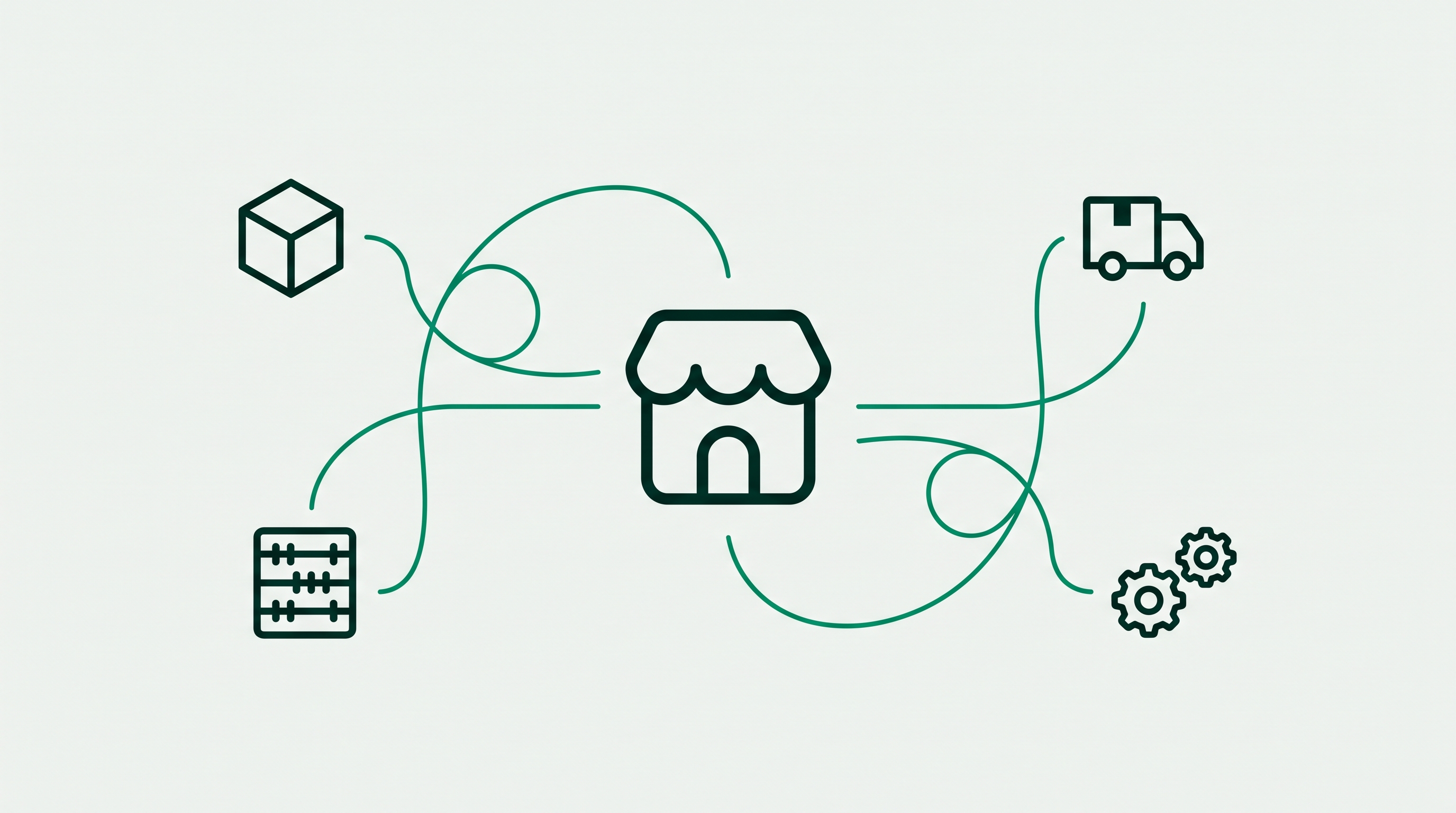
Integration is where evaluations quietly fail, because everyone checks that a connector exists and nobody checks what it actually syncs. "Integrates with your ERP" can mean bidirectional order, inventory, customer and invoice sync, or it can mean a nightly CSV.
Write the direction and the object into your requirements. Orders out to the ERP, inventory back in, customers and their price tiers in both directions, invoices back for terms accounts. Ask for the field-level mapping in writing during the evaluation, not after signature. We break down what syncs cleanly and what usually breaks in B2B ecommerce ERP integration.
6. Can it run B2B and B2C from one store?
If you sell direct as well as wholesale, running two storefronts means maintaining two product catalogs, two inventory pools, and two sets of theme updates forever. Most brands who take that route regret it within a year.
The criterion to score is whether one store can serve a retail visitor and an approved wholesale buyer different prices, different catalogs and different checkout rules, off the same product records and the same inventory. If a vendor's answer involves a second store, price the ongoing maintenance into your comparison, because that is a real recurring cost.
7. What is the real total cost and time to launch?
Sticker price is the least interesting number in the evaluation. Build the total from four parts: platform or plan cost, app or module subscriptions, one-off implementation (agency, developer, data migration), and internal time.
Time to launch matters just as much. A platform that goes live in two weeks and covers 90 percent of your requirements usually beats one that covers 100 percent in five months, because the second one costs you a selling season. Ask every vendor for a named reference customer of roughly your size and ask that reference how long it actually took.
What should a B2B ecommerce RFP template include?
An RFP for a B2B platform should be a scored requirements list, not an essay. Mark each requirement as must-have or nice-to-have before any demo, score each vendor honestly, and let the arithmetic decide. The table below is the shortest version that still covers the seven criteria, using PortalSphere and Shopify's native B2B as two worked examples of how to fill it in.
Reading the rows that decide most evaluations: PortalSphere runs unlimited pricing tiers on any Shopify plan, so a brand with eleven customer groups does not have to choose between an upgrade and a workaround, whereas Shopify's native B2B caps non-Plus merchants at three custom catalogs. Both handle volume discounts, quantity rules, net terms and tax exemption natively, so those rows rarely separate candidates. The genuine gaps sit in buyer experience and access control: PortalSphere ships a bulk order form, one-click reorder, hidden pricing for logged-out visitors, and a wholesale registration form that routes applicants for approval, while the native tooling expects you to handle price gating in the theme and approvals by hand. If your wholesale channel is small and your pricing is simple, native is a reasonable place to start. If buyers are reordering dozens of SKUs and your prices must never be public, those four rows are the whole decision.
How do you run the evaluation without losing three months?
Three weeks is enough for almost every brand under the enterprise tier.
Week one: write and weight. Turn the seven criteria into a requirements list. Mark each must-have or nice-to-have. Assign a weight out of 100 across the seven groups, and get the buying committee to agree the weights before anyone sees a demo. This is the step that stops a good salesperson from redefining your priorities.
Week two: shortlist and score. Take three candidates, no more. Run the same scripted demo with each, using your own pricing structure and two real buyer accounts. Score against the sheet during the call, not from memory afterwards.
Week three: pilot the top choice. Build your actual tiers, load a real catalog, and put one friendly wholesale customer through a complete order including terms and tax exemption. Most fatal problems surface here and nowhere earlier. If you want the wider platform landscape before you shortlist, our complete B2B ecommerce platform buyer's guide covers the categories and cost bands.
Frequently asked questions
What is the most important criterion when choosing a B2B ecommerce platform?
Pricing flexibility. Every other requirement has a workaround, but a platform that cannot express your tier structure will force you to change how you sell, and that cost compounds every month. Score pricing first, and eliminate any candidate that cannot model your actual price lists in a demo using your real numbers.
Do I need Shopify Plus to sell wholesale?
No. Since April 2026 Shopify has made native B2B features available on Basic, Grow and Advanced plans, including company profiles, up to three custom catalogs, volume discounts, quantity rules and payment terms, with unlimited catalogs remaining a Plus feature. Brands that need more than three pricing tiers, gated catalogs or a bulk order form generally add a wholesale app rather than upgrading the plan. See Shopify's B2B documentation for the current feature list.
What should a B2B ecommerce RFP template contain?
A scored requirements list covering pricing and tiers, catalog access and gating, ordering mechanics (MOQs, pack sizes, bulk order form, reorder), payments and terms, tax exemption, integrations with field-level mapping, B2B and B2C coexistence, total cost of ownership, and time to launch. Mark each line must-have or nice-to-have, weight the groups before demos, and ask for a named reference customer of similar size.
How long does a B2B platform migration usually take?
An app-based wholesale setup on an existing Shopify store typically goes live in one to three weeks, because the catalog, inventory and theme already exist. A full replatform onto a new B2B platform is a different project, commonly three to six months once data migration, integrations and testing are included. Decide which of the two you are actually doing before you compare timelines.
Can I evaluate a B2B platform without disrupting my live store?
Yes. The safest evaluation runs on a duplicated or draft version of your store, where you can configure real pricing tiers and put a test buyer through a complete order without any customer seeing the changes. PortalSphere's onboarding works this way by default, so nothing goes live until you have confirmed the tiers, minimums and terms behave the way you expect.
Score PortalSphere against your own criteria
Start a 14-day free trial, no credit card required, and a specialist will configure your tiers, MOQs, gated catalog and net terms on a draft version of your store before anything goes live.