Keystone Pricing: How to Set Wholesale-to-Retail Markups

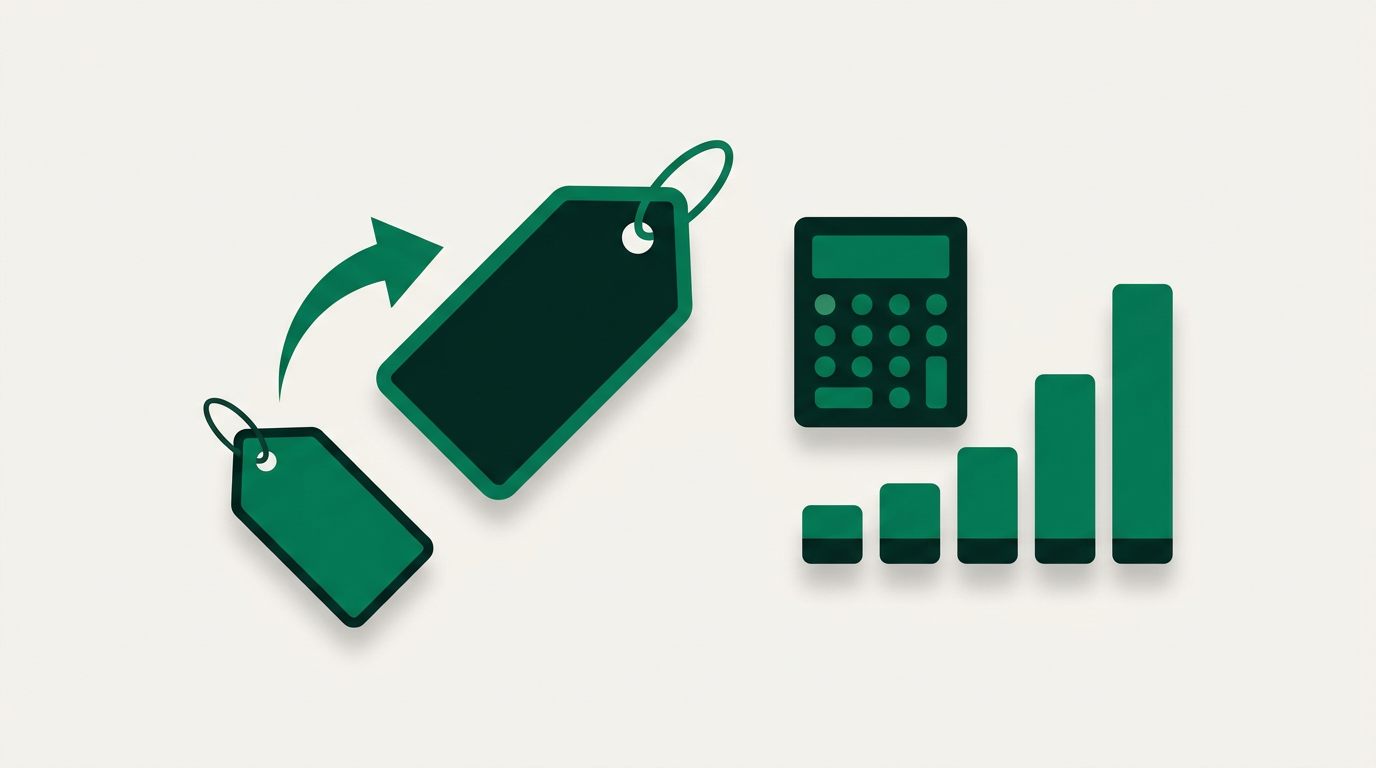
Keystone pricing sets a product's retail price at double its cost, a 100% markup or 2.0 multiplier. A $20 item gets a $40 keystone price, locking in a 50% gross margin with no per-item math. Retailers adjust from there: triple keystone for low-cost, high-perceived-value goods like jewelry, and a lower multiple for expensive items that would otherwise price out of the market. Keystone also runs in reverse for wholesale. Because a wholesale price is roughly half of retail, you set your MSRP at keystone and give stockists 50% of it, so they can mark it back up and keep their own margin. On Shopify, PortalSphere applies those retail and wholesale prices to the right buyers automatically.
Key takeaways
- Keystone pricing means doubling your cost to set the retail price, a built-in 50% gross margin.
- The formula is cost times 2; divide a keystone retail price by 2 to get the wholesale cost.
- Use triple keystone for low-cost, high-perceived-value goods and a smaller multiple for expensive items.
- For wholesale, set retail at keystone and give partners 50% of it so they can resell at keystone.
- PortalSphere runs separate retail and wholesale price lists, tiers, and volume breaks in one Shopify store.
In this article
- What is keystone pricing?
- How do you calculate keystone pricing?
- When should you use keystone pricing (and when not)?
- Keystone pricing for wholesale: it works both ways
- How to set keystone-based wholesale pricing on Shopify
- Frequently asked questions
What is keystone pricing?
Keystone pricing is a retail markup method where you set the selling price at exactly double the cost of the item. That is a 100% markup, or a 2.0 multiplier. If a product costs you $20, its keystone price is $40.
The method has been a retail default for more than a century because the math is instant and the margin is predictable. Doubling your cost produces a 50% gross margin on every item, which covers overhead, shrinkage, markdowns, and still leaves profit. For a store pricing hundreds of SKUs, that speed matters more than squeezing an extra point of margin out of each one.
How do you calculate keystone pricing?
The formula is as simple as it gets:
Retail price = wholesale cost × 2
From that baseline, retailers flex the multiplier up or down depending on the category. Low-cost items with high perceived value (think fashion jewelry or accessories) often use triple keystone, because a $6 cost at a $12 price would look suspiciously cheap and leave no room for discounting. Heavy or high-cost goods (furniture, electronics) usually sit below keystone, because doubling the cost would push them past what the market will pay.
Here is how the common multiples play out:
| Your cost | Keystone (2x) | Keystone and a half (2.5x) | Triple keystone (3x) |
|---|---|---|---|
| $10 | $20 | $25 | $30 |
| $20 | $40 | $50 | $60 |
| $50 | $100 | $125 | $150 |
To go the other direction, from a known retail price back to a wholesale cost, just divide. A $40 retail item priced at keystone implies a $20 wholesale cost. That reverse move is exactly what matters once you start selling wholesale, which we cover below.
When should you use keystone pricing (and when not)?
Keystone pricing is a starting point, not a law. It shines when you need a fast, defensible baseline across a large catalog and your costs and perceived values are fairly consistent. It struggles when either of those things breaks down.
Use keystone when your products have moderate cost and healthy perceived value, when you are pricing a broad range of SKUs and need consistency, and when a clean 50% margin comfortably covers your operating costs. Skip it, or adjust the multiplier, when an item is expensive to source (doubling prices it out of the market), when it has unusually high perceived value (you are leaving money on the table), or when a competitor's pricing sets a ceiling you cannot ignore. For a deeper look at building prices up from your true landed cost, see our guide on how to calculate a wholesale price.
Keystone pricing for wholesale: it works both ways
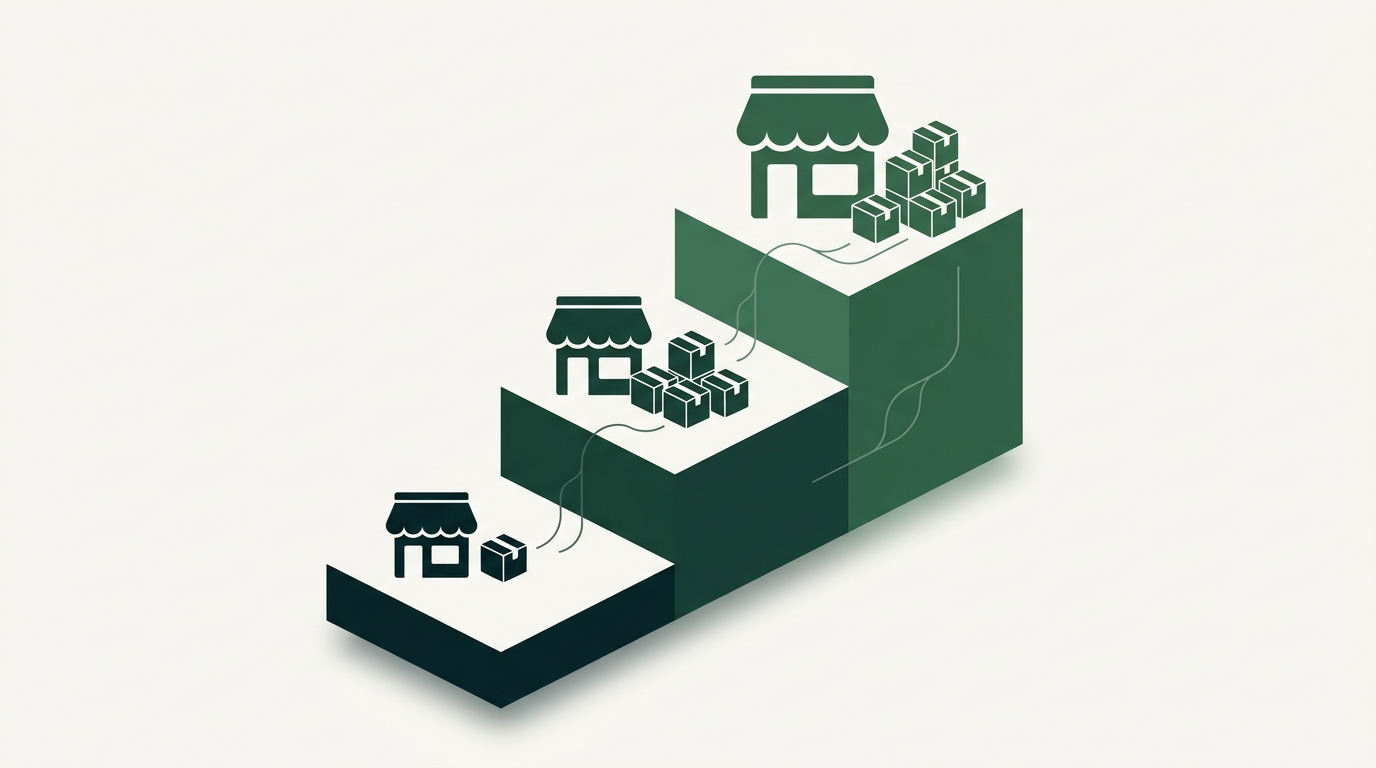
Here is where keystone gets genuinely useful for brands that sell to other retailers. The convention is that your wholesale price is roughly half your retail price, which is keystone in reverse. You set the recommended retail price (MSRP), then hand your stockists a wholesale price at 50% of it, so they have room to mark the product back up to keystone and still make their own margin.
That single relationship keeps your channels honest. Your retail customers pay the MSRP on your own store, your wholesale partners buy at half, and nobody undercuts anybody. The hard part is not the math. It is running two different price lists (retail and wholesale) in the same store, and often several wholesale tiers on top of that, without a tangle of spreadsheets and manual discount codes. If you are weighing the two channels against each other, our breakdown of wholesale vs retail lays out the trade-offs.
The verdict: spreadsheets can hold your keystone math, but they cannot enforce it live at checkout for different buyers. PortalSphere handles separate retail and wholesale price lists natively, so your MSRP shows to shoppers while approved wholesale accounts see their half-keystone pricing automatically. It also runs tiered pricing by customer group, so a distributor and a small boutique can each get their own multiplier, and layers volume discounts and quantity breaks on top without a second app. Spreadsheets do none of that, which is where manual errors and undercut margins creep in.
How to set keystone-based wholesale pricing on Shopify
Shopify shows one price per product by default, which is fine for retail and awkward the moment you add a wholesale channel. Here is the clean way to run keystone in both directions:
- Set your retail price at keystone. Double your landed cost to get the MSRP that shows on your storefront. This is your public price.
- Create a wholesale customer group. With PortalSphere, tag approved wholesale buyers into a group so they see pricing that retail shoppers never do.
- Apply the half-keystone wholesale price. Set the group's price at 50% of MSRP (your original cost times one). Partners now buy at wholesale and can resell at keystone.
- Add tiers and quantity breaks. Give larger accounts a steeper multiplier or volume discounts, so a distributor buying pallets pays less per unit than a single boutique.
- Gate the wholesale prices. Hide wholesale pricing behind login or approval so your retail margin is never exposed to the public.
Because the pricing is tied to the customer group rather than the product, you set the rules once and every eligible buyer gets the right price at checkout automatically. New wholesale accounts drop straight into the correct tier with no manual quoting. For the full walkthrough, see our guide to setting up tiered wholesale pricing on Shopify. For the underlying concept of markup, Investopedia has a clear primer on markup.
Frequently asked questions
What is keystone pricing in simple terms?
Keystone pricing means setting the retail price at double the cost of the item, a 100% markup. A product that costs $25 gets a $50 keystone price. It is a quick way to guarantee a 50% gross margin without pricing each item individually.
How do you calculate keystone pricing?
Multiply your cost by two. Cost times 2 equals the keystone retail price. To work backwards from a retail price to a wholesale cost, divide the retail price by two.
What is triple keystone pricing?
Triple keystone means multiplying your cost by three instead of two. It is common for low-cost, high-perceived-value goods like fashion jewelry, where doubling the cost would leave the price looking cheap and remove room for markdowns.
Is keystone pricing still used?
Yes. Keystone remains a widely used baseline in retail and wholesale because it is fast and reliably profitable. Most sellers use it as a starting point, then adjust the multiplier up or down by category and competition rather than treating it as a fixed rule.
How do I set a wholesale price from a keystone retail price?
Halve it. If your retail price is set at keystone, your wholesale price is roughly 50% of that retail price, which lets your stockists mark it back up to keystone and keep their own margin. On Shopify, an app like PortalSphere applies that wholesale price automatically to approved buyers.
Price retail and wholesale the smart way
PortalSphere puts your MSRP and half-keystone wholesale pricing in one Shopify store, with tiers and volume breaks built in.