B2B Ecommerce Personalization: 6 Steps to Buyer-Specific Pricing and Catalogs

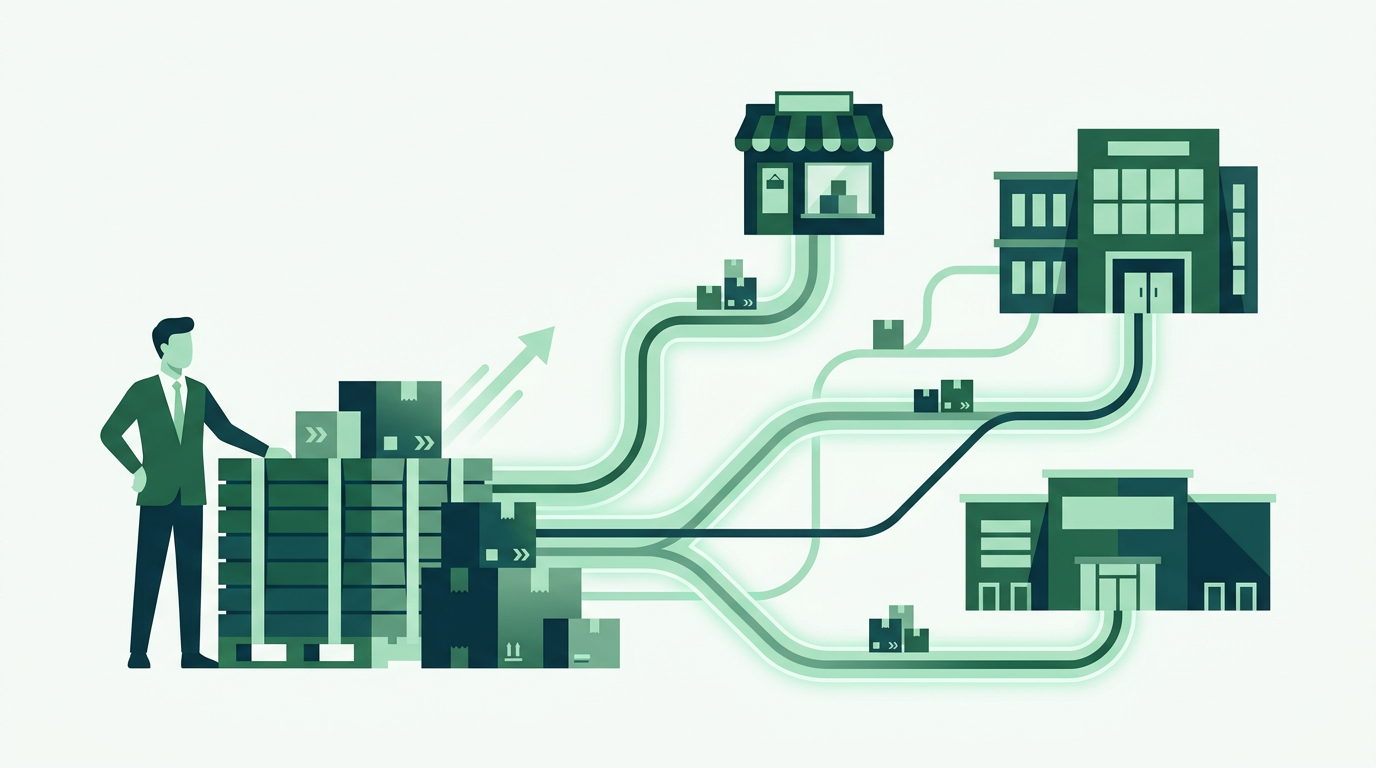
B2B ecommerce personalization means changing what a logged-in business buyer sees based on who they are: their negotiated prices, the products they are entitled to buy, the ordering rules that apply to them, and how fast they can repeat a past order. Unlike B2C personalization, which recommends products a shopper might want, B2B personalization is contractual and has to be correct every time.
Set it up in six steps: group buyers into four to six customer tiers, apply tiered pricing and volume breaks per group, gate catalog visibility so each group sees only its own products, enforce MOQs and pack sizing at checkout, make reordering a one-action job, and base upsells on that account's own order history. On Shopify you can do all six with a dedicated wholesale app on a standard plan, without upgrading to Plus.
Key takeaways
- B2B personalization is contractual, not probabilistic. Prices, catalog access and ordering rules have to be right every time, not merely plausible.
- Start with four to six customer groups. Personalizing account by account becomes unmanageable at around twelve accounts.
- Layer prices as rules over one catalog. Duplicating products into a separate wholesale catalog splits your inventory and your reporting.
- Enforce MOQs and pack sizing in the cart. It is the one capability neither spreadsheets nor plain Shopify offers in any form.
- Prove it worked with two numbers: share of wholesale orders placed self-service, and pricing or MOQ corrections per 100 orders.
In this article
- What is B2B ecommerce personalization?
- Step 1: Group your buyers before you personalize anything
- Step 2: Give every group its own pricing
- Step 3: Build buyer-specific catalogs
- Step 4: Enforce each buyer's real ordering rules
- Step 5: Make the reorder the fastest path in your store
- Step 6: Personalize the upsell, not just the price
- Native personalization vs the manual workaround
- Which metrics show personalization is working?
- FAQ
What is B2B ecommerce personalization?
B2B ecommerce personalization is the practice of changing what a logged-in business buyer sees and can do, based on who that buyer is. In practice it means four concrete things: the prices on the page, the products in the catalog, the ordering rules applied at checkout, and how quickly a repeat order can be placed.
That is a very different job from B2C personalization. A retail shopper gets recommendations. A wholesale buyer gets a contract. If a distributor negotiated 32 percent off list at a 24-unit minimum, that is not a suggestion to be tested, it is the deal, and the storefront either honours it automatically or somebody rekeys it into a spreadsheet every week.
The gap between those two worlds is where most brands lose orders. McKinsey research found that 73 percent of B2B buyers are now comfortable placing orders above $50,000 online, up from 59 percent in 2022, and that the single most common reason buyers switch supplier is inconsistent information across teams. A buyer who sees retail prices, out-of-contract minimums, or products they are not entitled to buy has just been handed exactly that inconsistency.
Step 1: Group your buyers before you personalize anything
Personalizing at the individual-account level sounds appealing and becomes unmanageable at about twelve accounts. Start with groups. Most wholesale catalogs sort cleanly into four to six:
- Tier by volume: Bronze, Silver and Gold, moving accounts up as annual spend grows.
- Tier by channel: independent retailer, national chain, distributor, agency or reseller.
- Tier by region: where shipping rates, tax treatment or MAP rules differ.
- A holding group for approved-but-unclassified accounts, so a new signup never lands in retail pricing by accident.
Write the definitions down before you configure anything. The commonest failure in a B2B personalization project is not technical: nobody agreed what "Gold" means, so three people assign it three different ways and the pricing stops being defensible within a year.

Only the leaders get past this stage. McKinsey found that top-performing B2B companies are four times more likely to run true one-to-one personalization than their slower-growing peers, 20 percent against 5 percent.
Step 2: Give every group its own pricing
Buyer-specific pricing is the load-bearing piece. Everything else is polish. Three mechanisms cover almost every real wholesale deal, and a proper B2B setup lets you stack them:
- A percentage off list per group. Gold sees 40 percent off, Silver 32 percent, Bronze 25 percent. One rule, applied catalog-wide, no duplicate products.
- Fixed contract prices on named SKUs. For the handful of lines where a specific account negotiated a specific number.
- Volume breaks inside the group. 1 to 11 units at one price, 12 to 47 at another, 48 or more at another, so buyers can see the incentive to size up without emailing anyone.
The trap to avoid is duplicating your catalog. Creating a second "wholesale" version of every product splits your inventory, breaks your reporting and doubles the work every time a price changes. The prices should be a rule layered over one catalog, not a copy of it. There is a fuller walkthrough of the mechanics in our guide to setting different Shopify prices for different customers.
Step 3: Build buyer-specific catalogs
A buyer-specific catalog controls what each group can even see. It matters for three reasons that have nothing to do with marketing:
- Exclusivity is a real commercial term. If a distributor holds a territory or a line, other accounts should not be browsing it.
- Retail buyers should never see wholesale prices. Gating prices behind login is the cleanest way to protect margin and honour MAP agreements. We cover the methods in hiding prices on Shopify until customers log in.
- A shorter catalog converts better. A buyer who stocks 40 of your 900 SKUs does not want to filter 900 SKUs. Show them their 40 and the reorder takes two minutes instead of twenty.
Practically this means three levers working together: a registration form that captures the details you need to classify the account, an approval step so nobody self-assigns wholesale pricing, and product-level visibility rules tied to the group. Do not fake it with hidden collections or password-protected pages. Those leak, they get indexed, and they cannot express "this group yes, that group no" on a single product.
Step 4: Enforce each buyer's real ordering rules
Personalized pricing with unpersonalized rules just moves the manual work downstream. If a case pack is 12 and a buyer orders 7, someone has to email them, and the order sits unfulfilled while that happens. Push the rules into the storefront instead:
- Minimum order quantities per product, per group, or per order value. See how to set minimum order quantities on Shopify wholesale.
- Pack sizing and case increments, so quantities can only move in multiples of 6, 12 or 24.
- Net terms at checkout for the accounts approved for them, and card-only for everyone else.
- Tax exemption applied automatically once a resale certificate is on file.
- B2B shipping rates that reflect pallets and freight, not single-parcel retail rates.
Each rule you encode is a support email you never receive. That is the whole return on this step.
Step 5: Make the reorder the fastest path in your store
Most wholesale revenue is repeat revenue, and most repeat orders are close to identical to the last one. Yet a lot of B2B storefronts make a returning buyer rebuild their basket from scratch, which is the one place a spreadsheet genuinely beats a website.
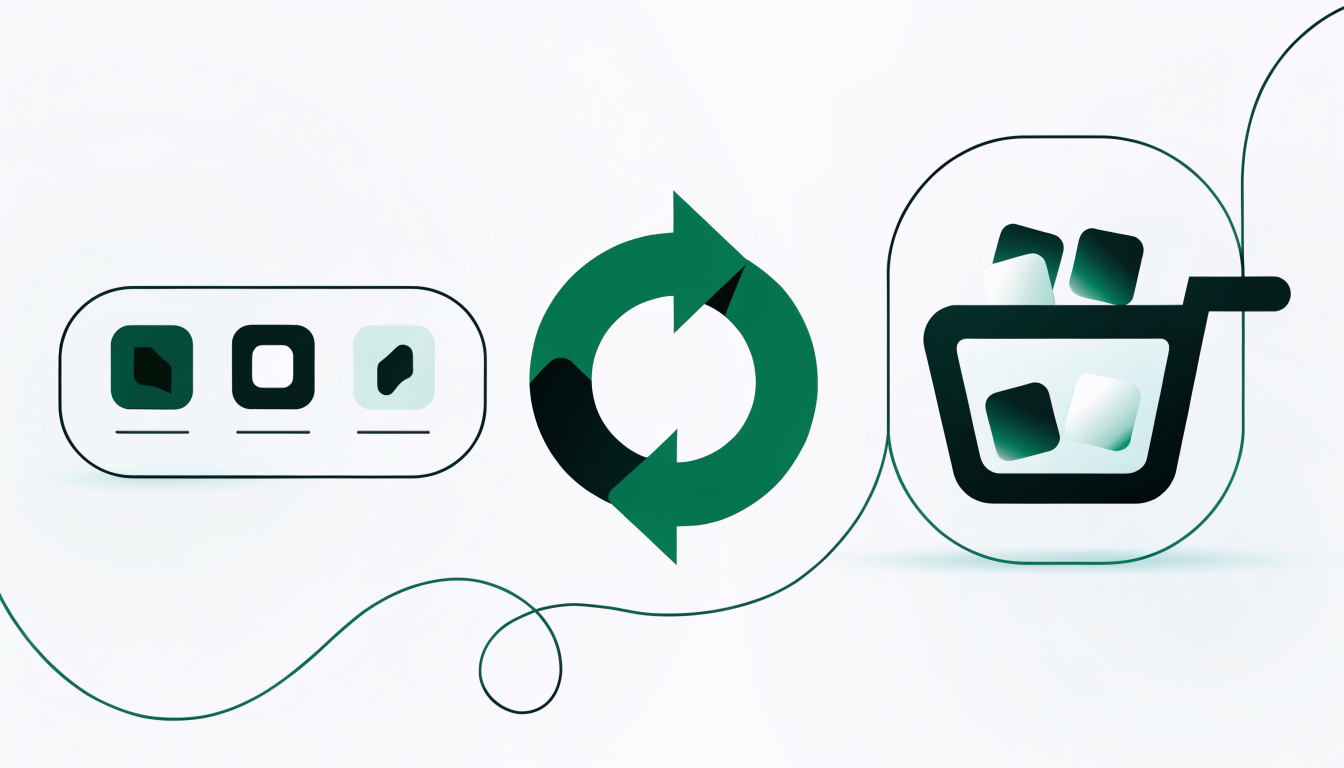
Fix it with three things: a visible order history the buyer can reorder from in one action, a saved list or standing basket for the SKUs they always take, and a bulk order form where they can enter quantities against a list of SKUs on one screen rather than clicking through product pages. That last one is the single highest-leverage page in a wholesale store. We break it down in creating a wholesale order form on Shopify.
Step 6: Personalize the upsell, not just the price
Recommendation engines built for retail tend to embarrass you in B2B. Suggesting a single unit of a complementary product to a buyer who only ever purchases by the case reads as a system that does not know who it is talking to.
Useful B2B upsells look different. Prompt the buyer that they are three units short of the next volume break, which is a favour to them and a bigger order for you. Suggest the case pack of something already in their history, the sibling colourway of a SKU they stock, or a line they bought two quarters ago and have not reordered. Each one is grounded in that account's own behaviour, which is what makes it land.
Native personalization vs the manual workaround
The honest verdict: a Shopify store with a purpose-built B2B app handles all six steps as configuration, while a spreadsheet-and-email process and a plain Shopify store both require a person in the loop for every order. Here is how the four capabilities that matter most compare.
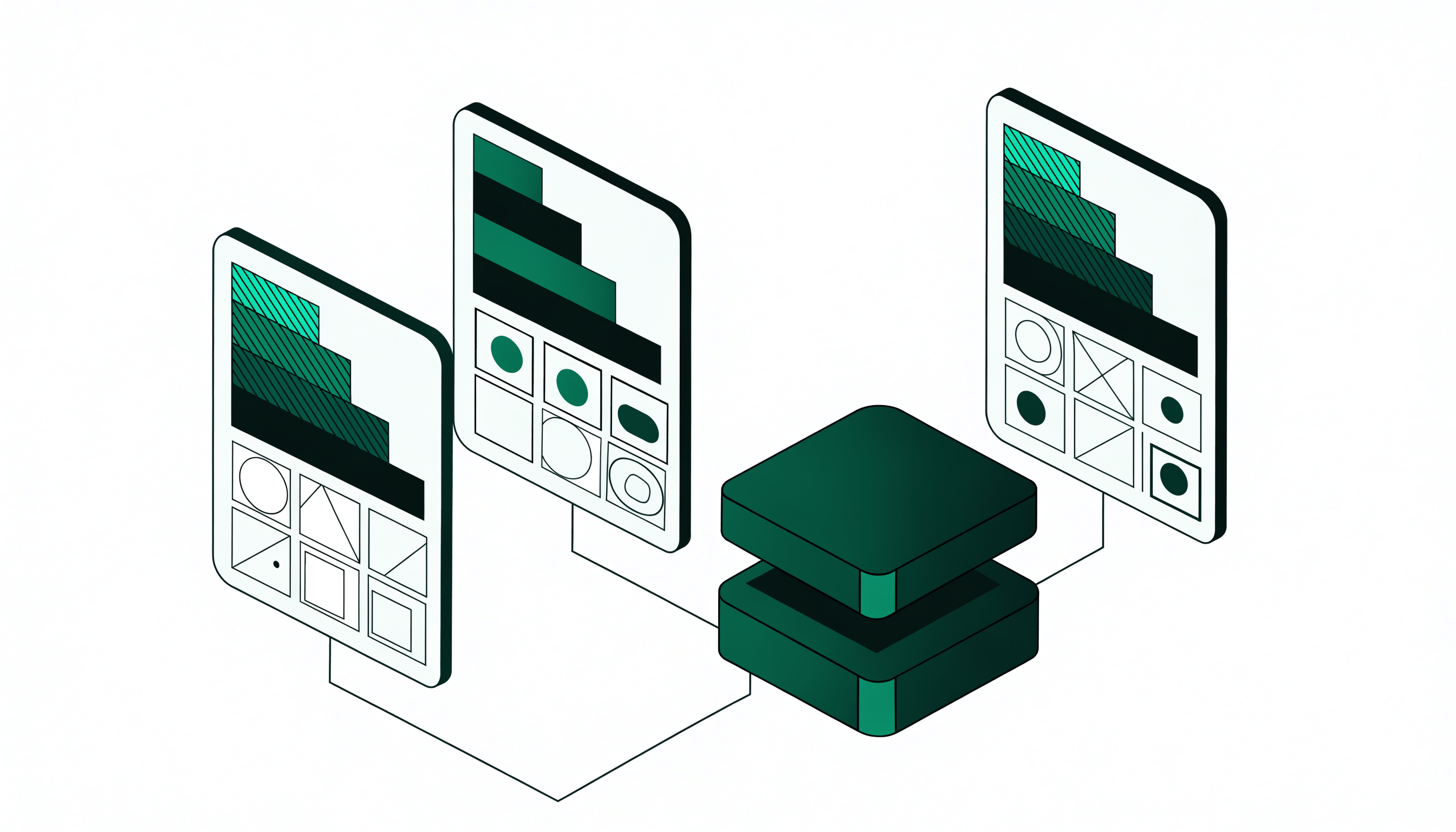
The rows worth reading in full: PortalSphere applies tiered pricing by customer group as a rule over your existing catalog, so a Gold account sees its own prices on the same product pages a retail visitor sees, with no duplicate products and no second store. A spreadsheet process can produce the same numbers, but only after a human looks up the account and applies them, which is why order errors cluster around pricing. Plain Shopify without a B2B app has no concept of a customer group price at all below the Plus tier, so brands end up with the duplicate-catalog workaround the previous section warned about.
On ordering rules the gap is starker. MOQs and pack sizing enforced at checkout is the one capability neither alternative offers in any form. A spreadsheet cannot stop a buyer typing 7 when the case pack is 12, and a standard Shopify cart will happily take the order. The result is an unfulfillable order renegotiated by email, which is exactly the friction that sends buyers to a competitor.
Which metrics show personalization is working?
Four numbers tell you within a quarter whether any of this paid off:
- Share of wholesale orders placed self-service versus by email or phone. This is the headline metric. Aim to move it, not to max it.
- Time from login to order submitted for a repeat buyer. If reorder is working, this drops sharply.
- Average order value per customer group. Volume breaks and the "three units to the next tier" prompt should show up here first.
- Pricing and MOQ corrections per 100 orders. This should approach zero. Every correction is a rule you have not encoded yet.
Measure a baseline before you change anything. Personalization projects are notorious for being obviously worthwhile and completely unprovable, purely because nobody wrote down the starting point. If you are still choosing infrastructure, our B2B ecommerce platform buyer's guide compares how these capabilities differ by platform.
Frequently asked questions
What is the difference between B2B and B2C ecommerce personalization?
B2C personalization is probabilistic: it recommends products a shopper is likely to want. B2B personalization is contractual: it applies the pricing, catalog access and ordering rules a specific account has actually agreed to. A wrong B2C recommendation is a missed opportunity. A wrong B2B price is a commercial dispute, so B2B personalization has to be rule-based, deterministic, and correct every time.
Can I personalize pricing on Shopify without upgrading to Shopify Plus?
Yes. Shopify's native B2B features are limited to the Plus tier, but a dedicated wholesale app adds customer-group pricing, volume breaks, contract prices, MOQs and net terms on standard Shopify plans. That is how most brands launch a wholesale channel before the Plus economics make sense.
Does PortalSphere support MOQs and pack sizing?
Yes. You can set minimum order quantities at product, group or order-value level, and pack sizing so quantities only increment in multiples such as 6, 12 or 24. Both are enforced in the cart and at checkout, so an order that breaks a rule cannot be submitted rather than being caught later by a human.
How many customer groups should I create?
Four to six is the practical range for most wholesale catalogs. Fewer than three usually means you are leaving margin on the table with your largest accounts. More than eight becomes hard to administer consistently, and inconsistent group assignment is worse than a coarser structure that everyone applies the same way.
Will personalized wholesale prices show up in Google or leak to retail customers?
Not if access is gated properly. Wholesale prices should render only for a logged-in, approved account, which keeps them out of search indexes and away from retail visitors. This is also what keeps you compliant with MAP agreements, so treat price gating as a requirement rather than a nice-to-have.
How long does it take to set up buyer-specific catalogs and pricing?
Configuration is usually a matter of days, not months, once the group definitions are agreed. The slow part is almost always the commercial decision about which accounts sit in which tier, not the software. Doing that work first is what keeps the rollout short.
Personalize wholesale pricing and catalogs in days, not quarters
PortalSphere adds customer-group pricing, gated catalogs, MOQs and net terms to the Shopify store you already run. Free onboarding included, set up on a draft store before it goes live.